550 From address violates UsernameCaseMapped Policy: Why does this happen, and how to fix it?

Quick Answer
For an email to reach the recipient, it must meet the specific requirements set by the receiving server, which govern address syntax, authentication, and policy compliance. One such requirement is the username case-mapping policy. Since spoofing and impersonation have become so rampant lately, it has now become important for the receiving servers to reliably identify who a message is coming.
550 From address violates UsernameCaseMapped Policy: Why does this happen, and how to fix it?
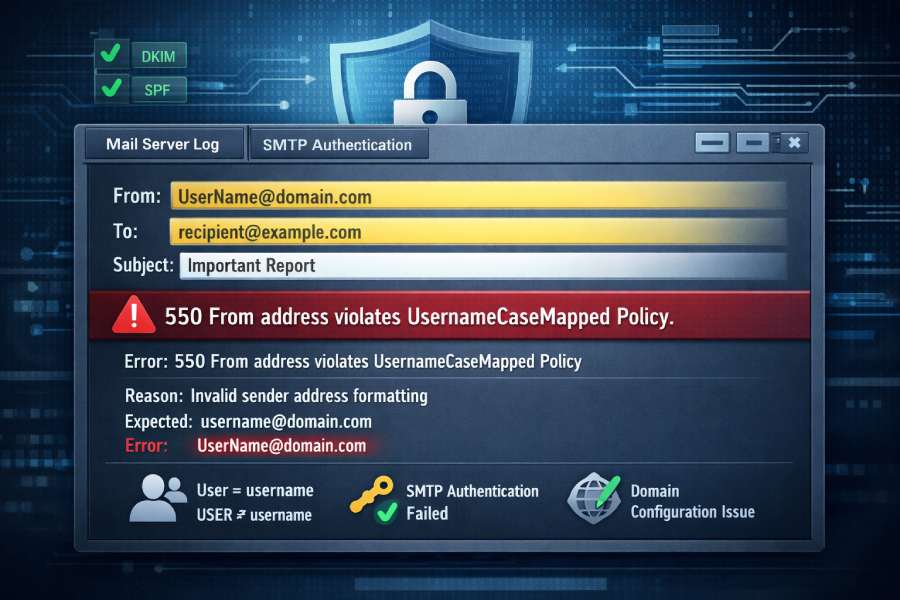
For an email to reach the recipient, it must meet the specific requirements set by the receiving server, which govern address syntax, authentication, and policy compliance. One such requirement is the username case-mapping policy.
Since spoofing and impersonation have become so rampant lately, it has now become important for the receiving servers to reliably identify who a message is coming from, for which they enforce a fixed rule on how email usernames are written. So, when your outbound email reaches the receiving mail server, the server checks whether the capitalization of the sender’s email address matches its expected, normalized format.
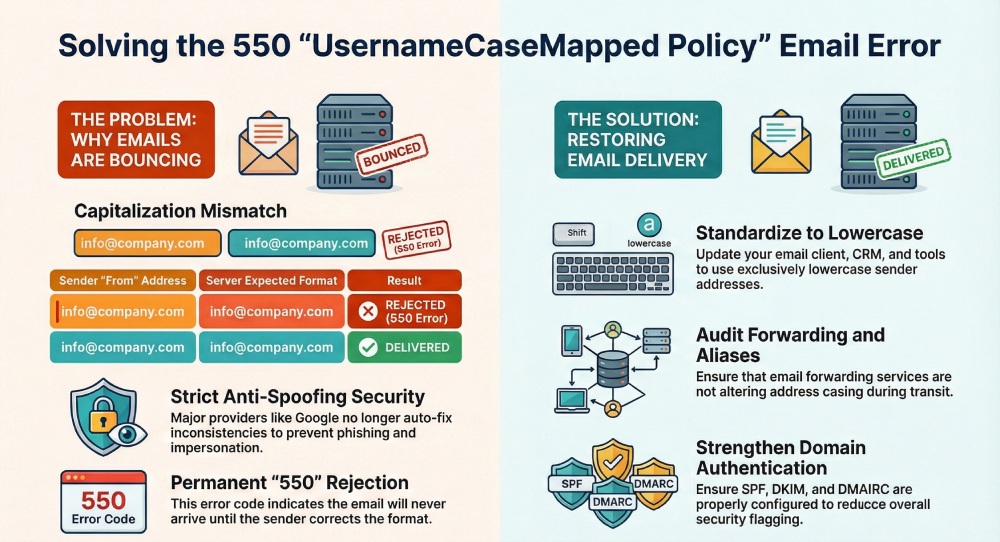
If the From address uses a different case than what the server recognizes, let’s say “Info@domain.com” instead of “info@domain.com”, your message might be rejected, and you might receive a “550 from address violates usernamecasemapped policy” error message.
Unlike an authentication issue, this problem isn’t linked to your domain or your email content, but how the sender’s address is written. Let’s dig deeper to understand why exactly this happens and what you can do to fix it.
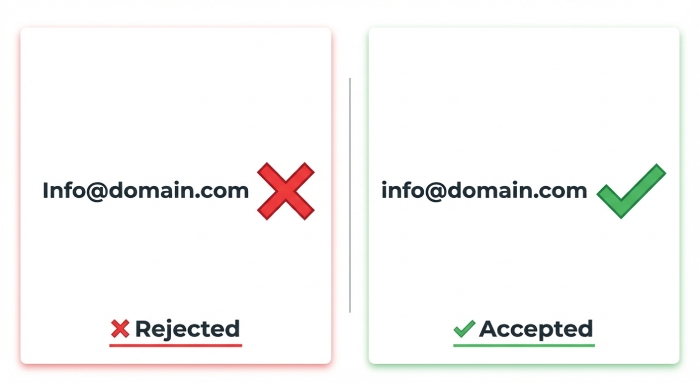
What exactly is the “550 from address violates usernamecasemapped policy” error message?
The “550” part in the error message means that the rejection issued by the receiving server is permanent, and your email won’t reach the recipient unless you fix it. The rest of the error, “from address violates usernamecasemapped policy,” explains why the rejection happened.
It means that the receiving server enforces a strict rule on how the sender’s username (the part before @) should be written and recognized.
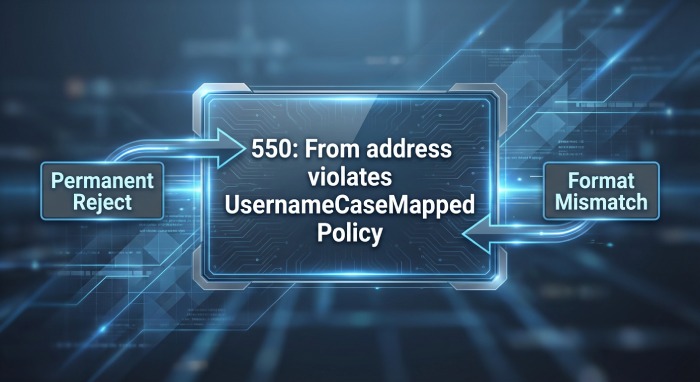
When your email arrives, the receiving server compares the From address exactly as it appears in the message with the format it has on record. If there is a difference in capitalization, the server will treat it as a mismatch, despite the fact that both email addresses may look the same to a user. To avoid any ambiguity, the server chooses to block the email instead of taking a risk.
This is the case with most receiving servers, especially as email security standards have become stricter. Most receiving servers now expect sender email addresses to follow one consistent, normalized format, usually all lowercase.
Why has this become an issue lately?
This issue has become more common because email security standards have tightened significantly in recent years. The receiving servers no longer let small inconsistencies slide.
As phishing and spoofing attacks have become so common lately, even a single discrepancy, like a case difference, is now treated as a potential risk. Earlier, if the “From” address looked slightly off, many email service providers would still let it pass or just send the email to spam. This is no longer the case. Major email service providers such as Google and Yahoo don’t guess or auto-fix anything; they seek perfect compliance to prevent unauthenticated emails from getting through. If the sender’s email does not exactly match what they have on record, even down to capitalization, they will simply reject the email.

This has become more apparent in Google Workspace or Gmail accounts. If an email claims to come from a particular user, Google now checks that it matches the exact account format in their system.
Why does this error occur?
As we established earlier,the “550 from address violates usernamecasemapped policy” error message is not like an authentication error where something is wrong with your domain’s SPF, DKIM, or DMARC. Instead, it happens because of how the sender address is written”. Genuine authentication faults, like SPF PermError and TempError, are a separate class of problem worth ruling out. The mistake could be either from your end or from the recipient’s end.
Let’s understand this further:
Problems on the sender’s end
In most cases, the problem usually starts from the sender’s side. The receiving server rejects the email because the From address is not written exactly the way the receiving server expects. One of the most common reasons behind this is incorrect email addresses. This could be something as small as a typo, an extra character, or capital letters added by your email app. Even small differences like these can make the receiving server think the address is wrong and block the email.
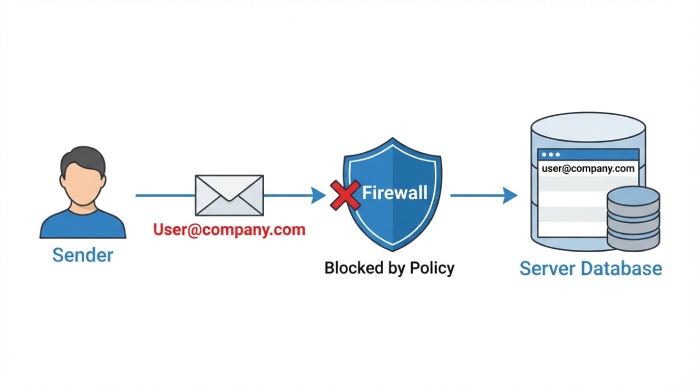
Another factor could be alias confusion, especially with addresses like marketing@ or support@ that often forward to another inbox. Forwarding often changes the way the sender address appears, and even a small change can break the recipient’s case-mapping rules.
Problems on the receiver’s end
Sometimes, the issue might not be at your end; it might be at the recipient’s end. Some receiving servers follow a strict lowercase-only rule. They store all email usernames in lowercase and expect incoming messages to match that format exactly. If your email arrives with even a single capital letter in the sender address, their system may fail to match it to a valid identity and reject the message.
How can you fix the “550 from address violates usernamecasemapped policy” error message?
Here’s how you can resolve this issue and ensure that your emails safely reach their recipients:
Standardize your “From” address
The first step to prevent the “usernamecasemapped policy” error message is to make sure that your sender address is consistent and preferably all in lowercase. If you come across this error message, you can start by reviewing the email address configured in your email client, CRM, or any tool that sends email on your behalf. Make sure that your email address is written in lower case.

How Do You Verify your email authentication protocols?
If your sender domain is not properly authenticated with SPF, DKIM, and DMARC configured. Take a moment to check your SPF record and confirm it passes. Even though this error message has nothing to do with authentication failures, even a small formatting issue can get flagged more easily when authentication is weak.
Use diagnostic tools to identify the problem
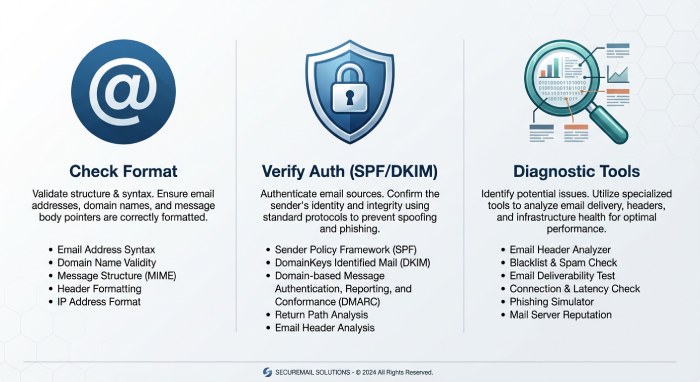
When it comes to fixing troubleshooting email delivery issues, guesswork doesn’t cut it anymore. You need to look at the actual data instead of making assumptions. You can use reliable diagnostic tools to check your DNS records, review bounce messages, and analyze email headers. Pairing that with SPF validation troubleshooting helps rule out authentication as a hidden cause.
If your outgoing emails are not going through, it’s important that you address the issues before it is too late. If you want to stop your emails from bouncing, get in touch with us today!
Topics
General Manager
General Manager of DuoCircle. Product strategy and commercial lead for AutoSPF's 2,000+ customer base.
LinkedIn Profile →